
Multifamily
One portfolio. A process configured for every property.
Whether you manage market-rate, affordable, tax-credit, or mixed housing portfolios, ISS can configure the rental application, screening packages, criteria, disclosures, and workflow around each property.
4 communities12 open
- Evergreen Oaks2 Bed / 2 BathApplication completePayment not startedBackground Check in progressNotes not startedA. JordanApplication completed
- Riverbend Apartments1 Bed / 1 BathApplication completePayment completeBackground Check in progressNotes not startedT. MorganPayment captured
- Lakeside Villas3 Bed / 2 BathApplication not startedPayment not startedBackground Check not startedNotes not startedJ. Lee
- Pineview CommonsStudioApplication completePayment completeBackground Check needs attentionNotes completeC. Brown
Four updates at a glance
- Application
- Payment
- Background Check
- Notes
Configured per property
Set once at the portfolio. Adjusted where a property differs.
The workflow is the same at every community. What ISS configures is how your standard is expressed, and where a property is genuinely allowed to differ from it.
Property-specific applications
Use the right application for every property and housing program.
Configurable screening packages
Match verification to property needs and program rules.
Criteria-based ScoreCard Pro
Apply property-specific criteria consistently every time.
Application fees made easier
Collect configured application fees and handle refunds within the workflow.
Group recommendations
Score applicants individually or together for a shared household, rather than assembling a roommate decision from separate reports.
Secure delivery and notices
Consumer copies, adverse-action letters, and disclosures delivered by secure link, with a record of what was sent and opened.
What makes it hard
A mixed portfolio shouldn't require a one-size-fits-all process.
See the ISS Workflow- 01
- Different housing programs
- Market-rate, affordable, tax-credit, and more — each with unique rules and requirements.
- 02
- Different application requirements
- Standard, household, or property-specific applications are needed depending on the property.
- 03
- Property-specific rental criteria
- Income ratios, credit, and other criteria vary by property and housing program.
- 04
- Teams managing multiple communities
- Portfolios need visibility and control without losing property-level flexibility.
Portfolio view
Centralized for your team. Configured by property.
One queue for the whole portfolio, and a separate configuration behind every property in it. Four statuses per application, so a team can see which of the four things has stalled rather than that something has.
| Property | Application | Payment | Background check | Notes | Applicant |
|---|---|---|---|---|---|
| Evergreen Oaks2 Bed / 2 BathApplication completed | Application complete | Payment not started | Background check in progress | Notes not started | Sample applicant |
| Riverbend Apartments1 Bed / 1 BathPayment captured | Application complete | Payment complete | Background check in progress | Notes not started | Sample applicant |
| Lakeside Villas3 Bed / 2 Bath | Application not started | Payment not started | Background check not started | Notes not started | Sample applicant |
| Pineview CommonsStudioApplicant contacted — awaiting document | Application complete | Payment complete | Background check needs attention | Notes complete | Sample applicant |
Application progress
See whether an application has started or is complete.
Application fees
See payment status, collect configured fees, and process refunds.
Background checks
See whether screening has not started, is in processing, or is complete.
Applicant notes
Review the latest note, or open the applicant record to review the full history.
A mockup with sample data. Statuses reflect the workflow configured for each property.
How it runs
A clear workflow from application to e-leasing.
Final housing decisions remain with the housing provider. Every stage below is an expansion of the same 6-stage ISS workflow.
- 01Rental ApplicationApplicant submits the correct application.
- 02Screening & VerificationsVerifications run based on the property configuration.
- 03QA ReviewISS reviews results and addresses items that need attention.
- 04ScoreCard ProCriteria are applied to generate a score and recommendation for the property.
- 05Client DecisionThe housing provider makes the final decision.
- 06Secure Report / Notice DeliveryReports and required notices are delivered securely.
- 07E-LeasingEligible applicants can complete e-leasing.
ScoreCard Pro
Your criteria. Applied consistently.
Score and recommendation are generated from the criteria configured for the property, so two communities reach the same conclusion on the same file. Final housing decisions remain with the housing provider.
Applicant score · Recommendation
Approve
Sample applicant · Sample property
- Income ratioPass
- CreditConditional
- Criminal recordsPass
- Eviction recordsPass
- Residential verificationReview
- Employment verificationPass
2 items require attention
Set the criteria, reasons, and reviewer instructions once. Score a single applicant, or score several together for a group recommendation on a shared household.
Decision mapping
Weight
Threshold
Time window
Weight
Threshold
Time window
Weight
Threshold
Time window
Weight
Threshold
Time window
Weight
Threshold
Time window
Weight
Threshold
Time window
Score overrides
Overrides are recorded with a reason and the reviewer's instructions, so an exception stays visible on the case rather than living in someone's inbox.
ScoreCard Pro produces a recommendation against your configured criteria. The final leasing decision, and the policy behind it, remain with the housing provider.
See reporting and decision toolsWorking with ISS
Two ways to work with ISS.
Which path a client takes depends on whose application the applicant fills in. The screening, the QA review, and the ScoreCard result are the same either way.
- For clients using ISS rental applications
QuickLeasePro + InstaScreen
QuickLeasePro (QLP) is connected to InstaScreen and is the primary application workflow for clients using ISS rental applications.
Stages covered
- Rental Application
- QuickLeasePro Workflow
- Screening in InstaScreen
- QA & ScoreCard
- Results & E-Leasing
- For clients using their own application process
Direct InstaScreen access
InstaScreen also supports ISS screening workflows across employment, volunteer, and other industries, and connects with 700+ vendor integrations.
Stages covered
- Client Order
- Screening & Verifications
- Reports
- Consumer Report / Adverse-Action Tools
Other portfolio types
The same workflow, configured for other portfolios.
The same connected workflow, configured for a different set of constraints. Start from Property Management for the full picture.

Single-Family Rentals
Screen every home thoroughly and keep every vacancy moving.
Explore solution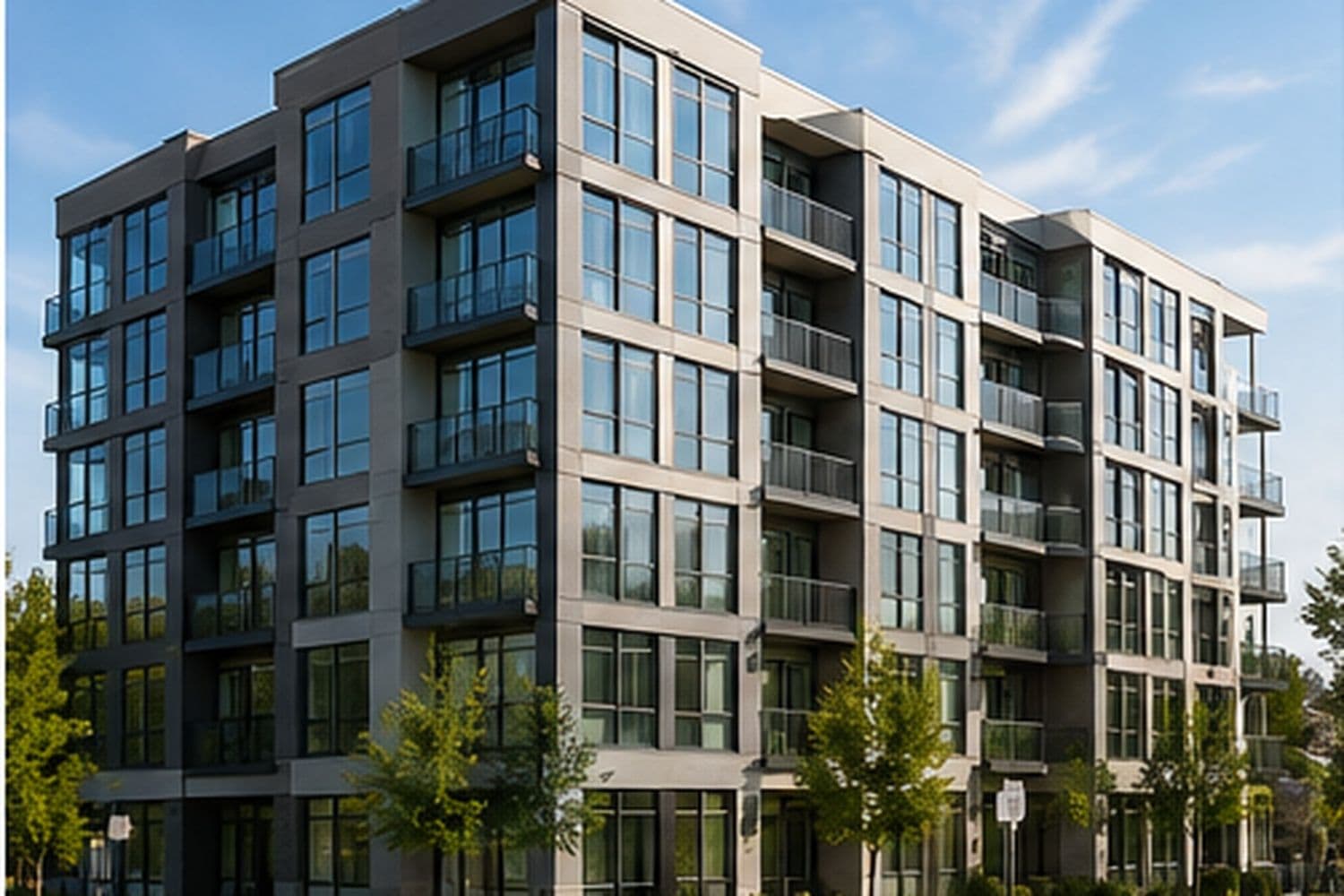
Lease-Ups & New Communities
Turn early interest into an organized path to occupancy.
Explore solution
Student Housing
Keep every student, guarantor, and application connected.
Explore solution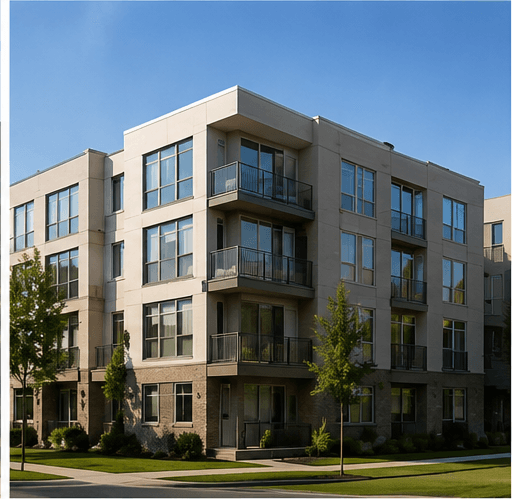
Affordable Housing
Support complex households and subsidy-aware workflows.
Explore solution
FAQs
Common questions about multifamily portfolios.
Yes. Applications, required documents, application fees, screening packages, and rental criteria are configured at the property level, so an affordable community, a mixed-income property, and a market-rate property in the same portfolio can each run the process their program actually requires.
Manage every property with the process it needs.
Configure applications, screening, criteria, and workflows by property. Keep your portfolio organized and your teams aligned.